Full disk encryption
Every laptop leaves the building encrypted
No excuses. Manage BitLocker and FileVault full disk encryption on every laptop you send into the field, and make sure it stays on.
BitLocker and FileVault
status and key escrow
Windows and macOS
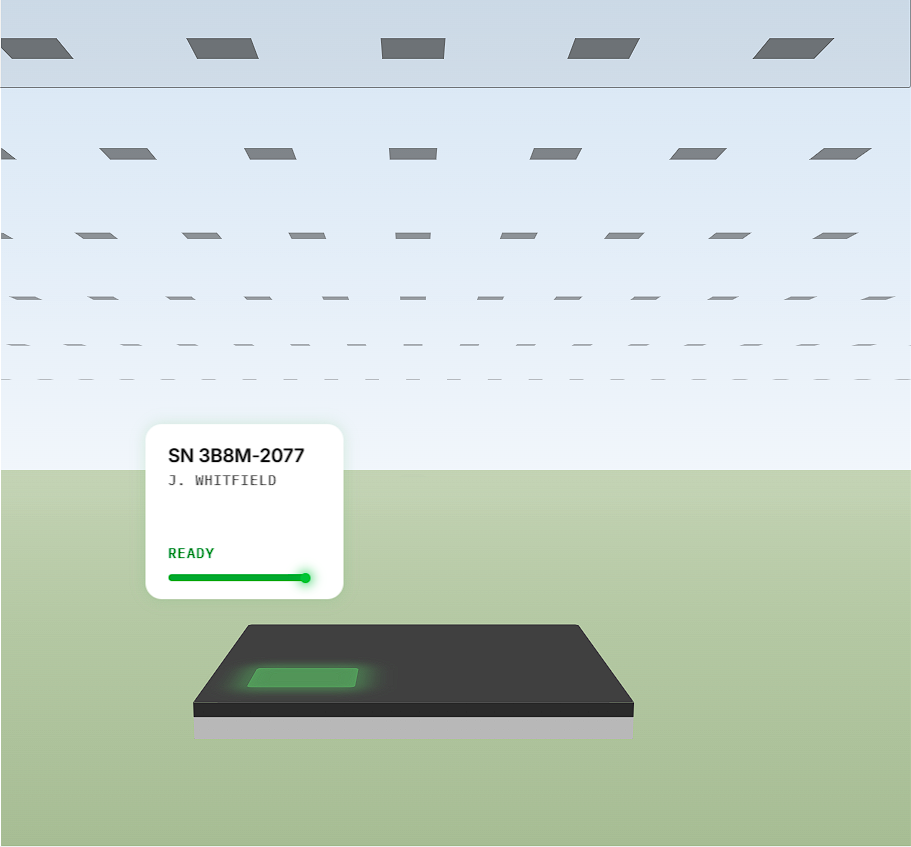
The difference between a lost laptop and a reportable breach
Full disk encryption — protecting data-at-rest — is the first line of defense against everyday risks such as asset theft and loss. Recognized as a safe harbor under most breach notification laws, it turns a lost laptop into a non-event rather than a reportable incident — provided that IT teams can prove the device was encrypted and the keys were never exposed.
No action required
Data at rest is locked by the hardware and the OS, and must always be unlocked to be accessed. Access can be further protected with boot-time passwords or PINs. FDE provides a passive layer of protection against third-party breach that doesn't require connectivity or remote commands to work.
The evidence auditors ask for
A lost laptop with documented encryption is a simple asset loss. Without that documentation, it's a data breach. The difference is a record you can produce on demand.
FDE is only as good as your coverage, your key backups, and your ability to prove both. That's the part Tether makes easy.
BitLocker and FileVault management in one console
Simple BitLocker and FileVault management. Comply with data privacy requirements with OS-native full disk encryption. Boost helpdesk effectiveness with a centralized encryption key repository.
Fast, OS-native encryption
BitLocker and FileVault offer excellent performance and compatibility with the widest range of hardware, plus an integrated user experience. Tether is the easiest way to leverage these OS-native advantages, with no third-party encryption software to deploy.
Superior user experience
Disk encryption can be a disruptive and confusing process for end users. Not with Tether. A client-side wizard guides users through the FDE process, from announcing your FDE program, the option to 'snooze' initial encryption until a convenient time, and setting up passwords. Tether provides users with a seamless experience and reduces calls to the help desk.
Robust central key repository
Tether leverages its real-time platform to back up recovery keys and DRA certificates instantaneously, offering unmatched reliability for your helpdesk and data recovery operations.
Supports compliance with privacy regulations
Tether provides the audit records and reports required to establish compliance with data privacy regulations including FINRA, HIPAA, GDPR, PCI and CPRA.
Seamless operation with other solutions
Tether can be your primary deployment solution or a shadow copy of legacy tools such as Active Directory. Seamless parallel operation fills in legacy system gaps and offers effortless migration to full Tether management.
Policy-based management
Mass-deploy FDE using asset groups and policies. Delegate authority over groups of assets with administrator roles. Enforce PIN and password complexity requirements with policy-based settings.
Make your full disk encryption program stick
An encryption program succeeds when the console is current, recovery keys are reliably backed up, and administrators can run it without specialist training.
Encryption state you can act on, not a report you have to wait for
Tether runs on a persistent real-time connection to every endpoint. When a disk finishes encrypting, a key rotates, or a user disables protection, the console reflects it in seconds rather than at the next scheduled check-in.
Keys are escrowed before anyone needs them
Recovery keys and DRA certificates are backed up to Tether the instant they are generated or rotated, over the same real-time channel. There is no directory replication window and no partially-escrowed fleet.
Fleet-wide encryption without a specialist to run it
Encryption is configured as a policy applied to an asset group, with role-based delegation for the teams who own those assets. Windows and macOS are managed side by side, under one policy model, in one interface.
Full-disk encryption deployment rate went from 61% to 99% within one week.
Managing BitLocker with Microsoft Intune exposed reliability and reporting gaps. Devices that fell short of hardware/OS prerequisites would fail to encrypt silently. Pre-encrypted devices would often not backup their recovery keys to Entra. Reporting was laggy and key retrieval at scale was painful.
The Tether agent was deployed silently to the entire fleet. Within a week, a complete parallel directory was populated, with real-time BitLocker recovery key backup, automatic activation of pre-encrypted devices, hardware/OS readiness status, and mass recovery key reports available.
BitLocker deployment rate improved from 61% to 99%, with minimal additional load on the helpdesk. Recovery key backup coverage increased from 57% to 99%.


Full Disk Encryption FAQ
No. Tether manages the encryption already built into Windows and macOS. You keep OS-native performance, hardware compatibility, and the integrated user experience, and gain centralized deployment, key escrow, and reporting across both platforms.
In Tether's central key repository. Recovery keys and DRA certificates are backed up the moment they are created or rotated, so the helpdesk can retrieve a key without waiting on a directory sync.
Yes. Tether can act as your primary deployment solution or as a shadow copy of legacy tools such as Active Directory. Parallel operation fills gaps in the legacy system and gives you a migration path at your own pace.
A client-side wizard announces the program, lets users defer initial encryption to a convenient time, and walks them through password setup. Most rollouts complete without a helpdesk ticket per device.
Per-device encryption state, key escrow records, and policy history, available as preset or custom reports supporting FINRA, HIPAA, GDPR, PCI and CPRA requirements.
Yes. Windows 11 includes BitLocker (Pro and Enterprise editions) and Device Encryption. Tether manages BitLocker across the fleet.
In Windows, open the Manage BitLocker app and ensure that BitLocker is on. In macOS, open Settings / Privacy & Security / FileVault and ensure that FileVault is on. When your laptops are managed by Tether, per-device encryption state is live in the console and reportable fleet-wide.
Tether issues commands and escrows recovery keys in real time, which makes the central key repository more reliable. Intune's communication with clients can be delayed, which leaves key backups out of date or missing.
Encrypt your fleet, and be able to prove it.
Stand up a proof-of-concept within minutes, or book a demo with one of our IT experts.